Photo credits
Some guides use real photos of remotes, cables and devices to help you find the right button or port. Every photo on this page is openly licensed. We saved our own copy of each one instead of linking to the original, and the list below shows who took it, where it came from, which license applies and what we changed.
What we change. We crop and resize photos. Where a step points at a button, we draw a blue ring around it. We do not retouch the photos or change what they show.
Photos are not screenshots. A photo shows what a device looks like, not what its screen shows. When a guide needs a screenshot that we cannot reuse, it keeps its written steps and does not show a picture of the screen.
Your device may look different. Remotes, modems and routers change from model to model. Each caption says which model the photo shows.
The photos#
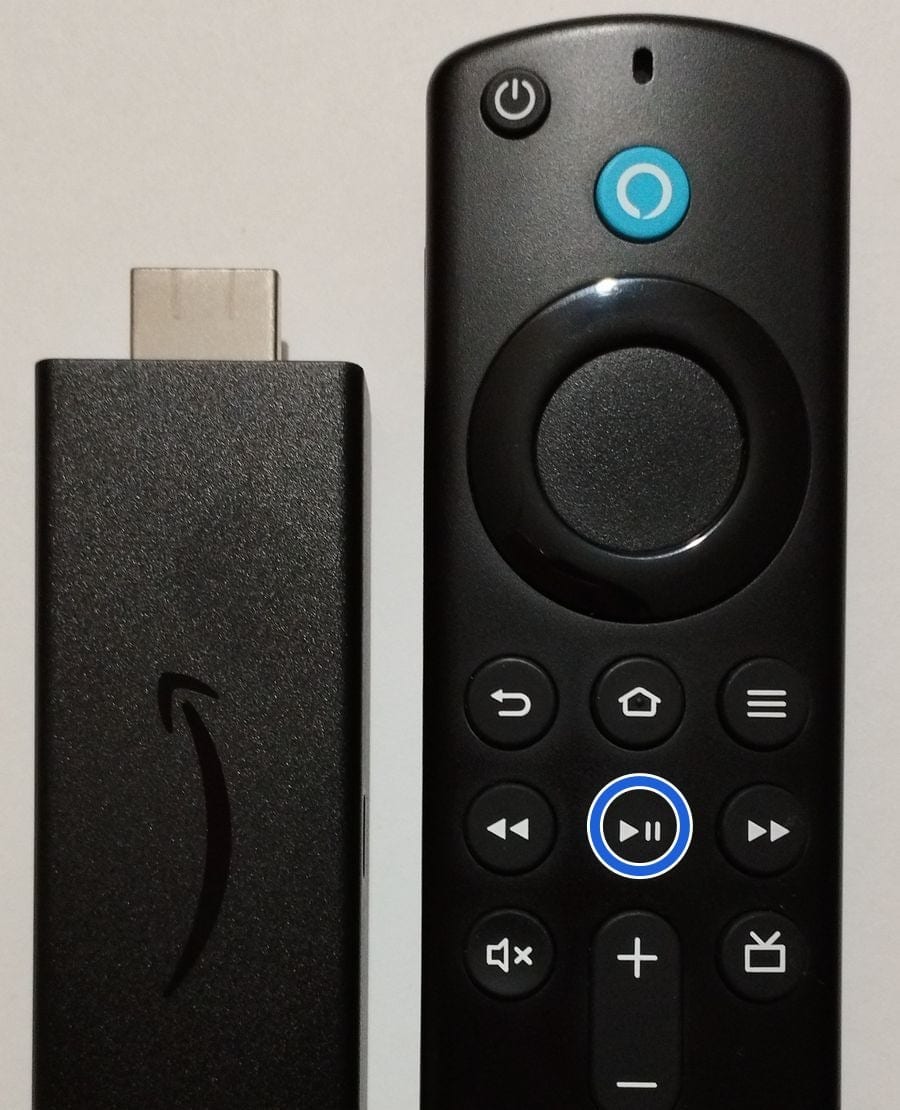
Fire TV Stick (3rd generation) and its Alexa Voice Remote
Creator: JulianVilla26
License: CC BY-SA 4.0
Original: FireTV Stick 3rd Gen.jpg on Wikimedia Commons, taken 2023-02-21 22:00:29
What we changed: Cropped to the top of the remote and the stick, resized, and a blue ring added around the Play/Pause button. The photo itself is not retouched.
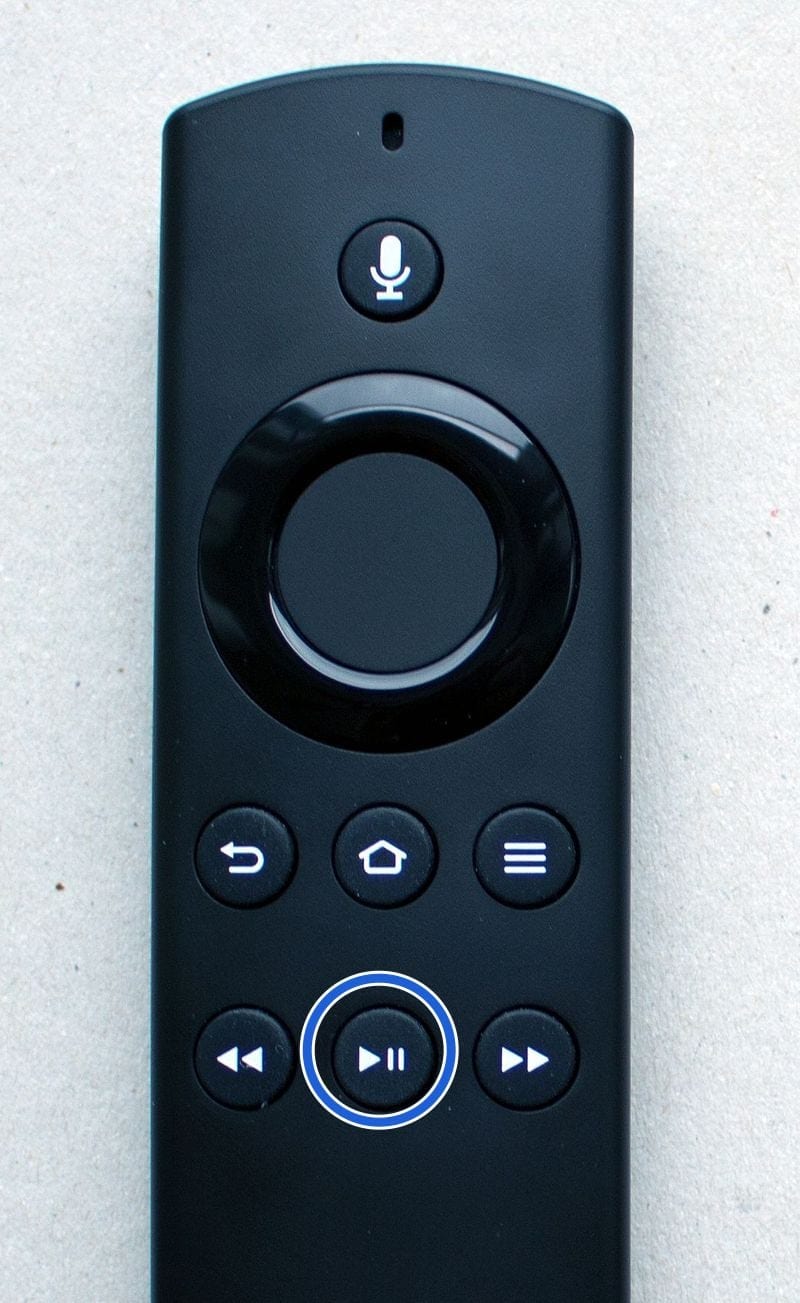
Alexa Voice Remote that came with the 2016 Fire TV Stick
Creator: www.hdmi-experte.com
License: CC BY 4.0
Original: Fire-TV Stick 2016 (2. Generation) Alexa Remote.jpg on Wikimedia Commons, taken 2018-01-15
What we changed: Cropped to the top of the remote, resized, and a blue ring added around the Play/Pause button. The photo itself is not retouched.
Used in: How to Check the Internet Connection on a Fire TV Stick
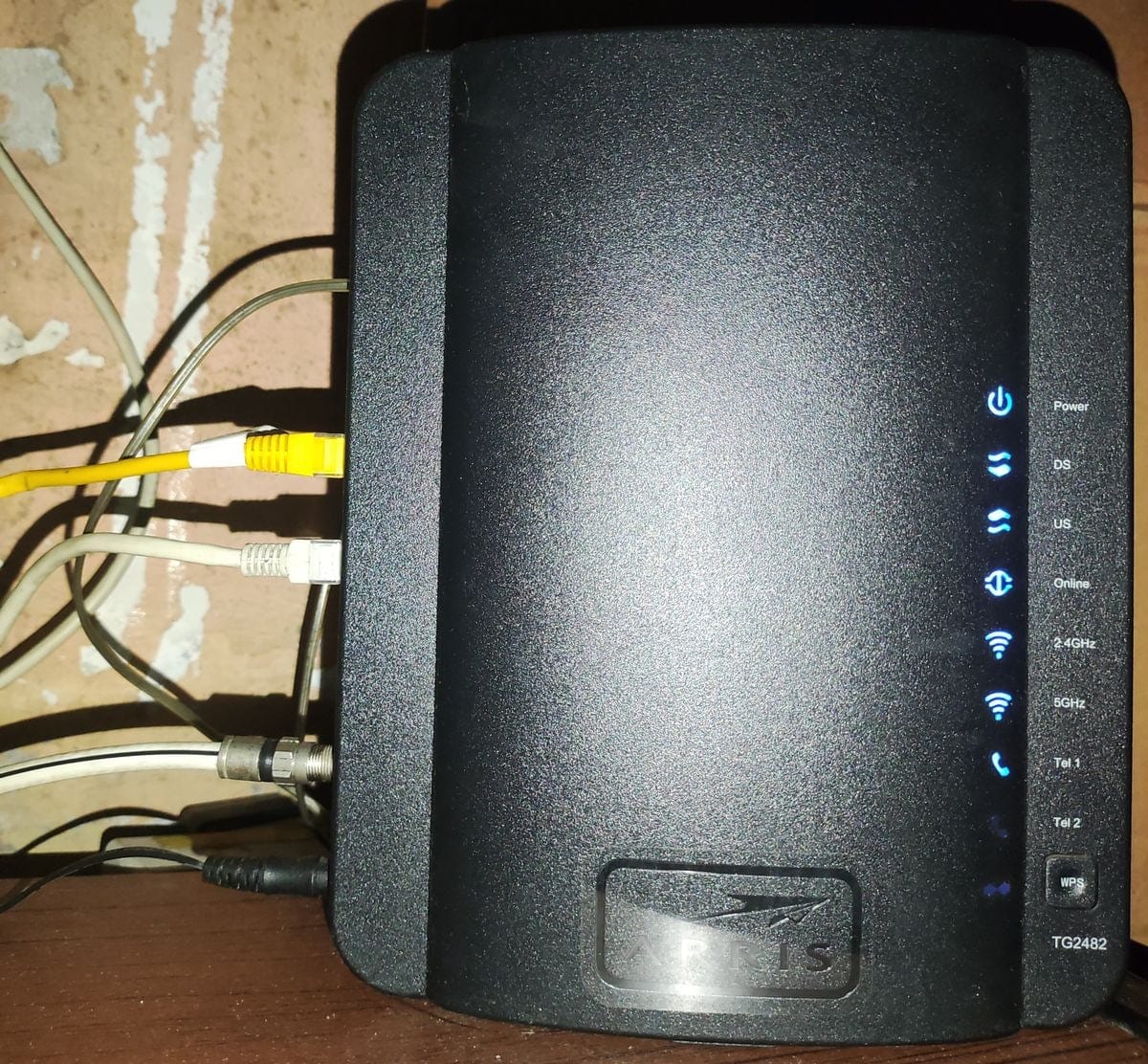
Arris TG2482 cable modem with its status lights on
Creator: Pancho507
License: CC BY 4.0
Original: Arris TG2482 cable modem.jpg on Wikimedia Commons, taken 2025-02-16 01:47:00
What we changed: Resized only.
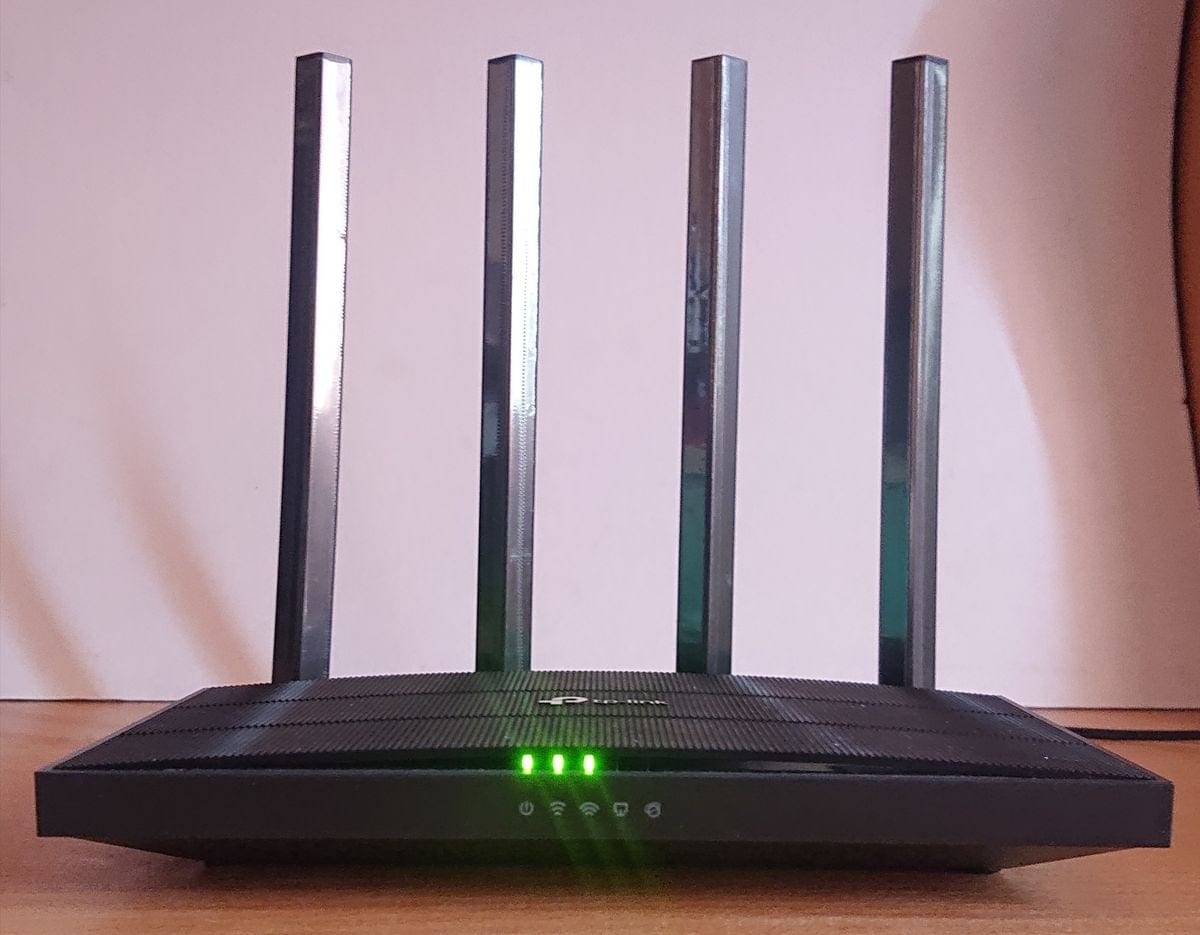
TP-Link Archer A6 router with its status lights on
Creator: Paowee
License: CC BY-SA 4.0
Original: TP-link Archer A6 Router (v4) - Front Side.jpg on Wikimedia Commons, taken 2024-01-13 13:24:02
What we changed: Resized only.
Used in: How to Check the Internet Connection on a Fire TV Stick
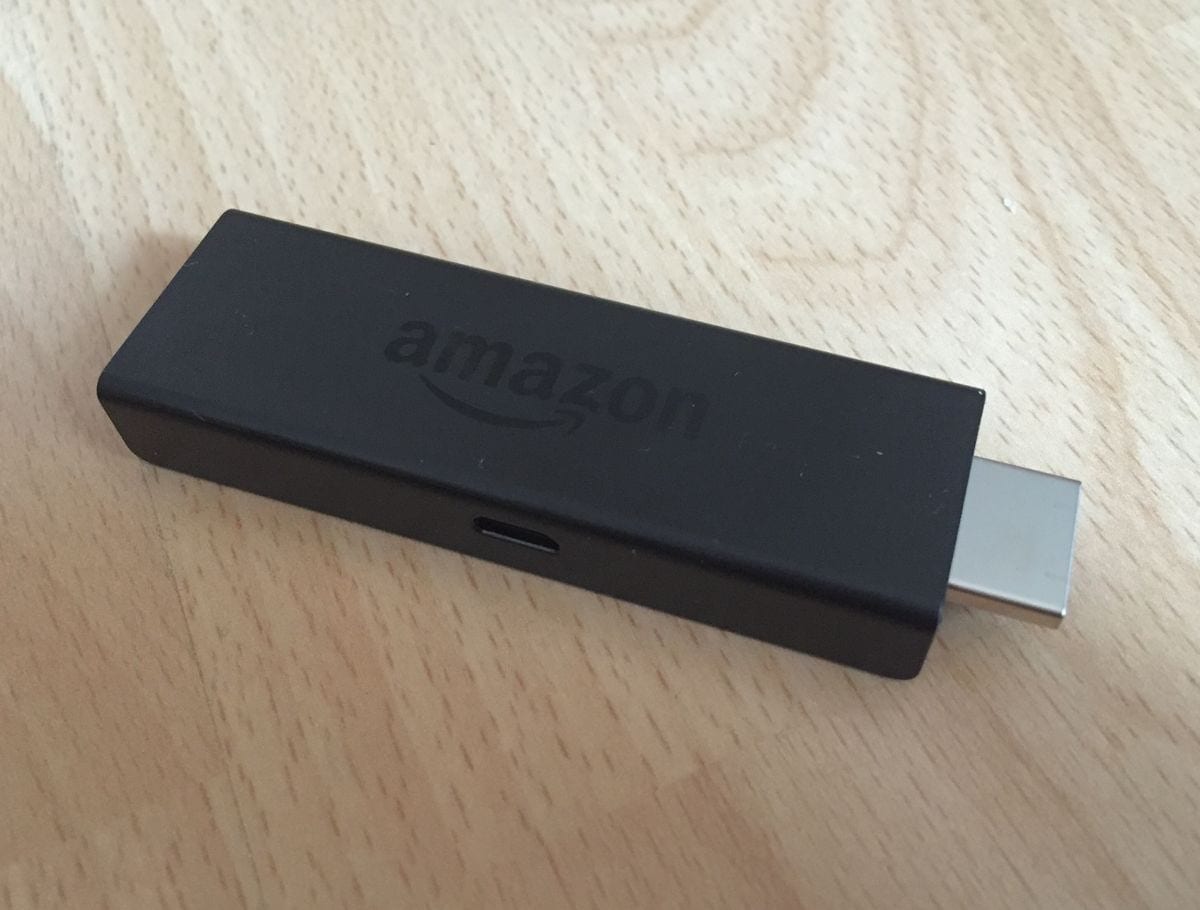
Fire TV Stick (first generation), side view with the power port
Creator: ubahnverleih
License: CC0
Original: Amazon Fire TV Stick.jpg on Wikimedia Commons, taken 18 April 2015
What we changed: Resized only.
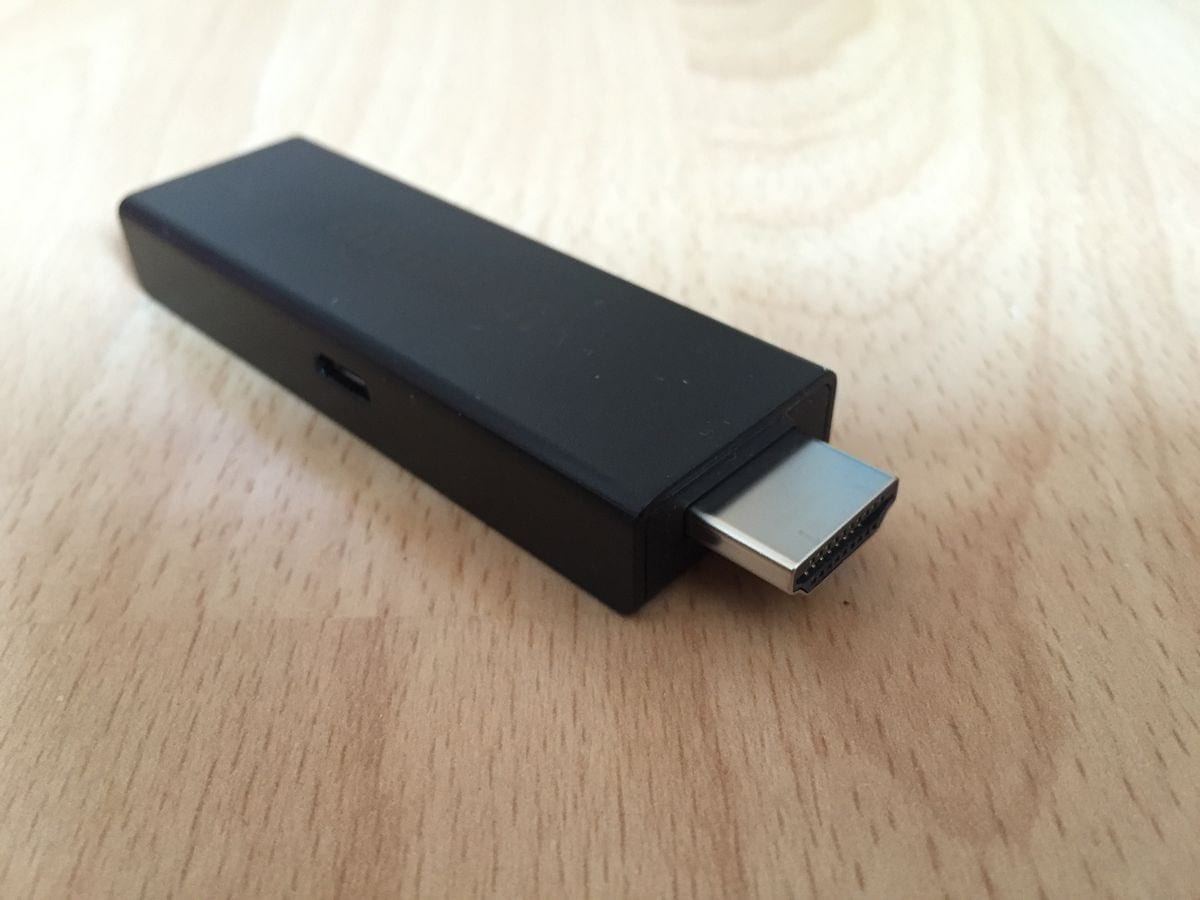
Fire TV Stick (first generation), HDMI plug and power port
Creator: ubahnverleih
License: CC0
Original: Amazon Fire TV Stick HDMI.jpg on Wikimedia Commons, taken 18 April 2015
What we changed: Resized only.
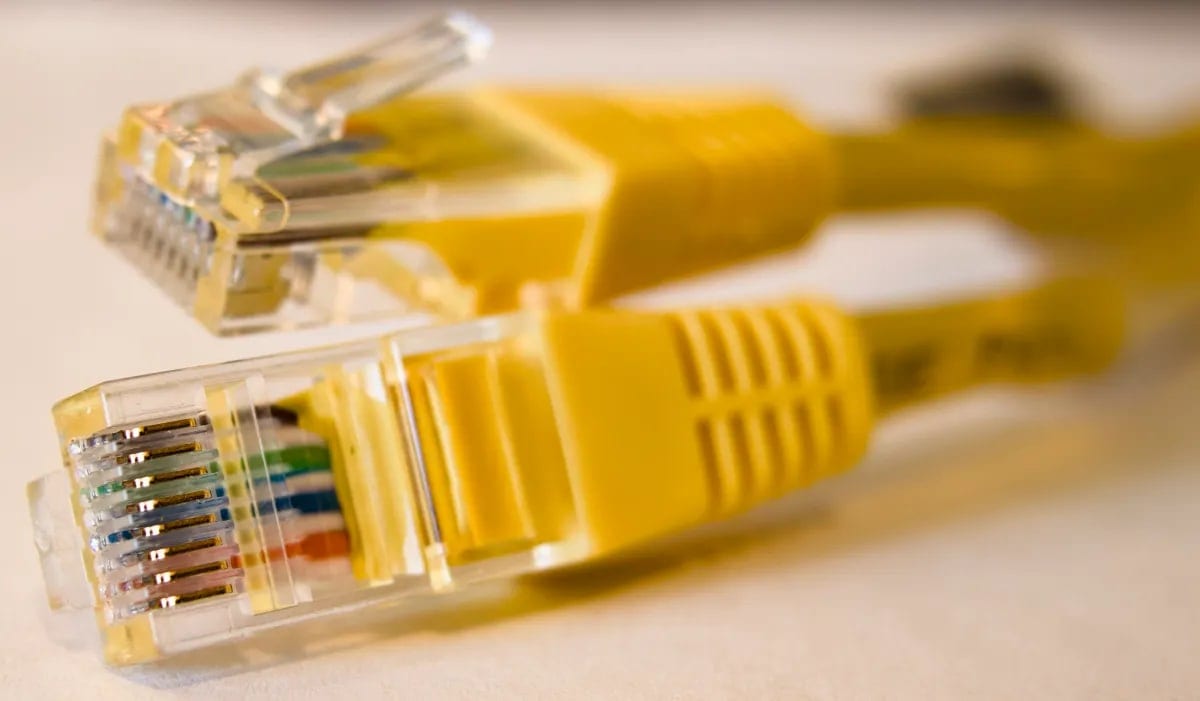
Ethernet cable plugs (RJ45)
Creator: Wikideas1
License: CC0
Original: Ethernet connector.webp on Wikimedia Commons, taken 2026-02-17
What we changed: Converted from WebP to JPEG and resized.
Used in: App Works on a Phone Hotspot but Not on Home Wi-Fi: What That Tells You
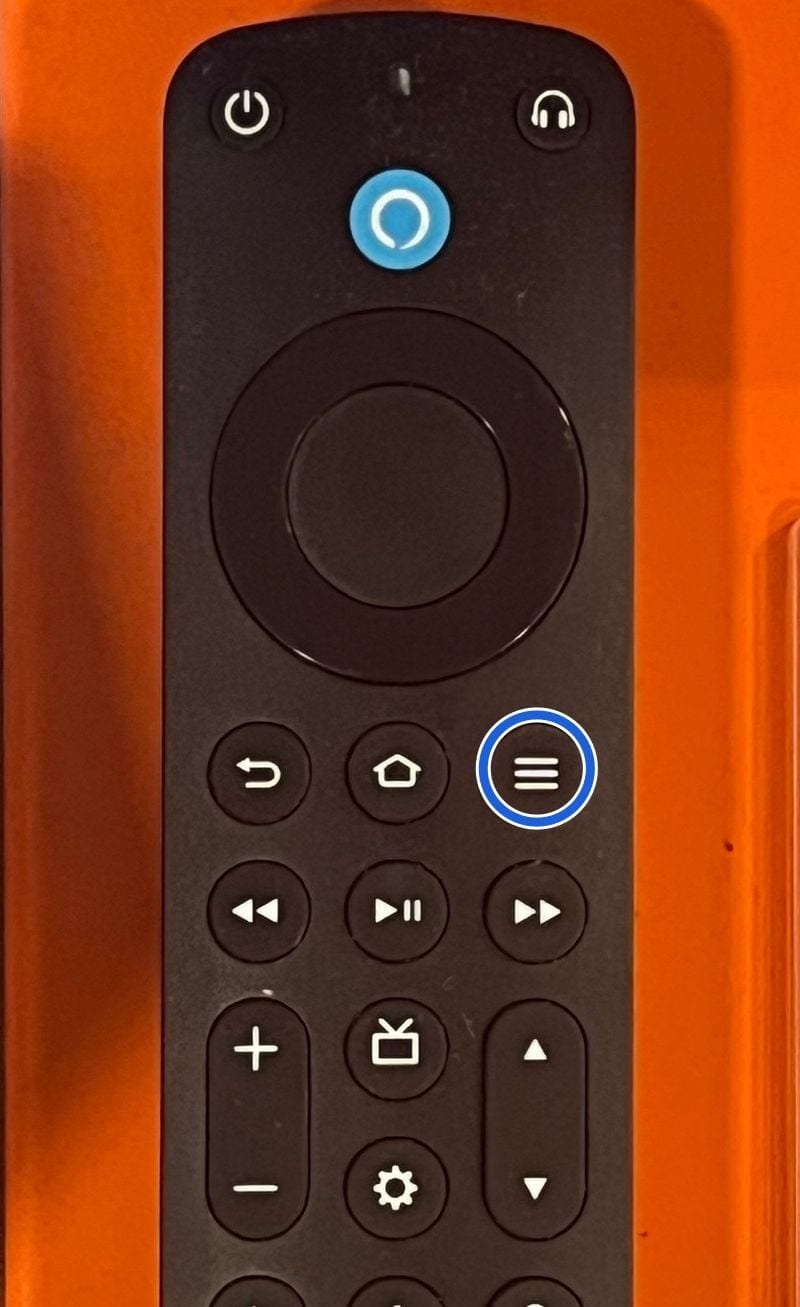
Fire TV Alexa Voice Remote Pro
Creator: TaurusEmerald
License: CC BY-SA 4.0
Original: Amazon Fire TV Alexa Voice Remote Pro.jpg on Wikimedia Commons, taken 2024-04-30 18:08:23
What we changed: Cropped to the top of the remote, resized, and a blue ring added around the Menu button (three horizontal lines). The photo itself is not retouched.
Used in: How to Find an App's Version on Fire TV, Android TV, Samsung and LG
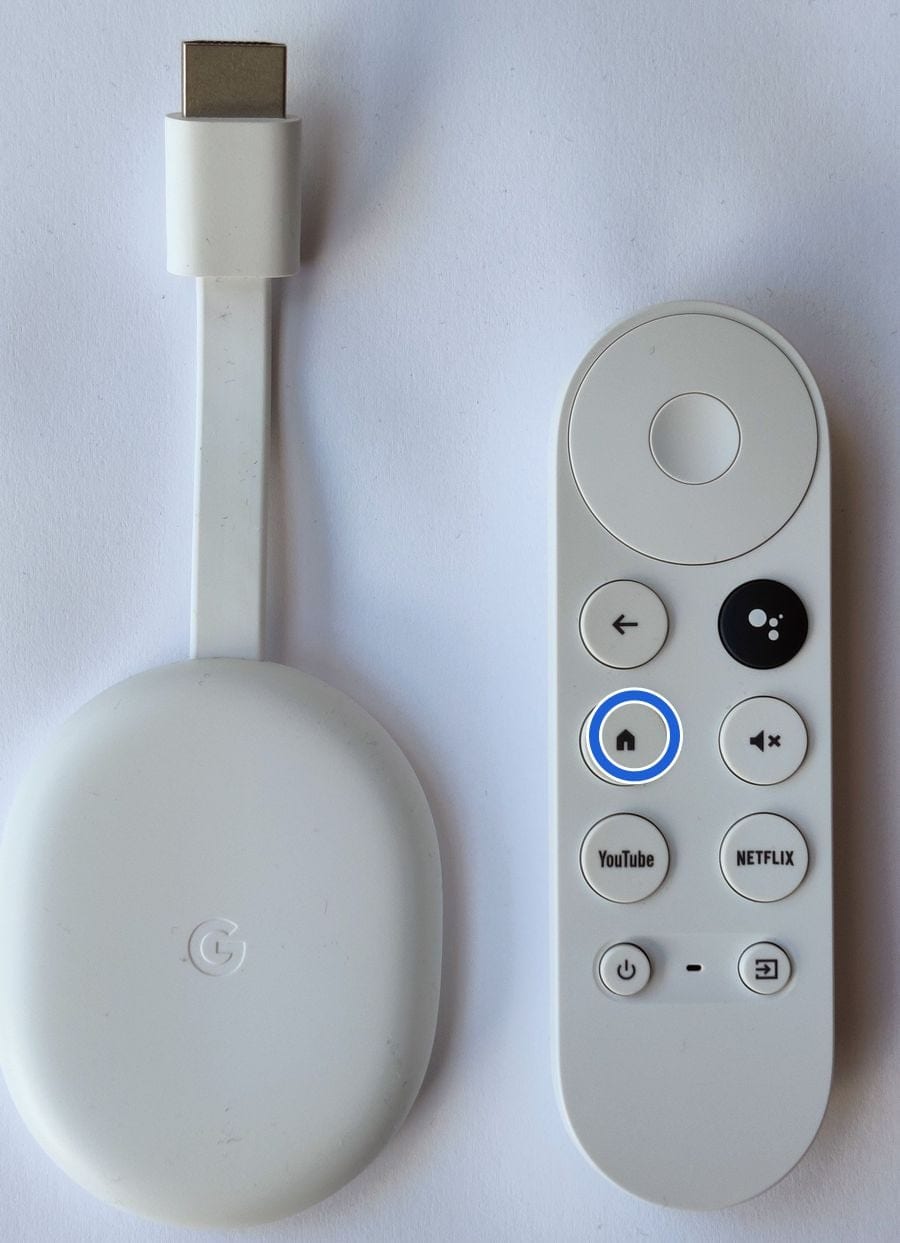
Chromecast with Google TV and its remote
Creator: Ogidya
License: CC BY-SA 4.0
Original: Google Chromecast with Google TV.jpg on Wikimedia Commons, taken 2022-01-29 22:51
What we changed: Cropped, resized, and a blue ring added around the Home button (house icon). The photo itself is not retouched.
Used in: Force Stop vs Clear Cache on Google TV: What Each One Does

_Alexa_Remote.jpg)

_-_Front_Side.jpg)


If a credit is wrong, or you took one of these photos and want it changed or removed, contact us.
Get new guides by email.
A short email when we publish a new troubleshooting guide. Nothing else.
You're subscribed. We'll email you when a new guide is published.